
Book SaverThe Wizard of GPT
A moonlit Achaean beach camp outside Troy with ships and a wooden horse under construction
A Book Saver Adventure

Choose your path.

Do you use Claude or ChatGPT?

Interior of a magical Bronze Age scholar's tent with a bronze cauldron
The Wizard of GPT welcoming the reader beside his cauldron
The Wizard of GPT

In order to perform this magic, I need your book file.

Your book stays in this browser
Close view of an empty bronze cauldron inside the wizard's tent

Drop your book into the cauldron

PDF, EPUB, TXT, FB2, MOBI, or AZW3 · maximum 25 MB · processed privately on this device

The wizard's magical workshop
The Wizard of GPT casting an organization spell
The spell is underway

Preparing your guide…

Reading the book locally and finding its chapters.
The wizard's magical workshop
The spell is complete

Your file is ready.

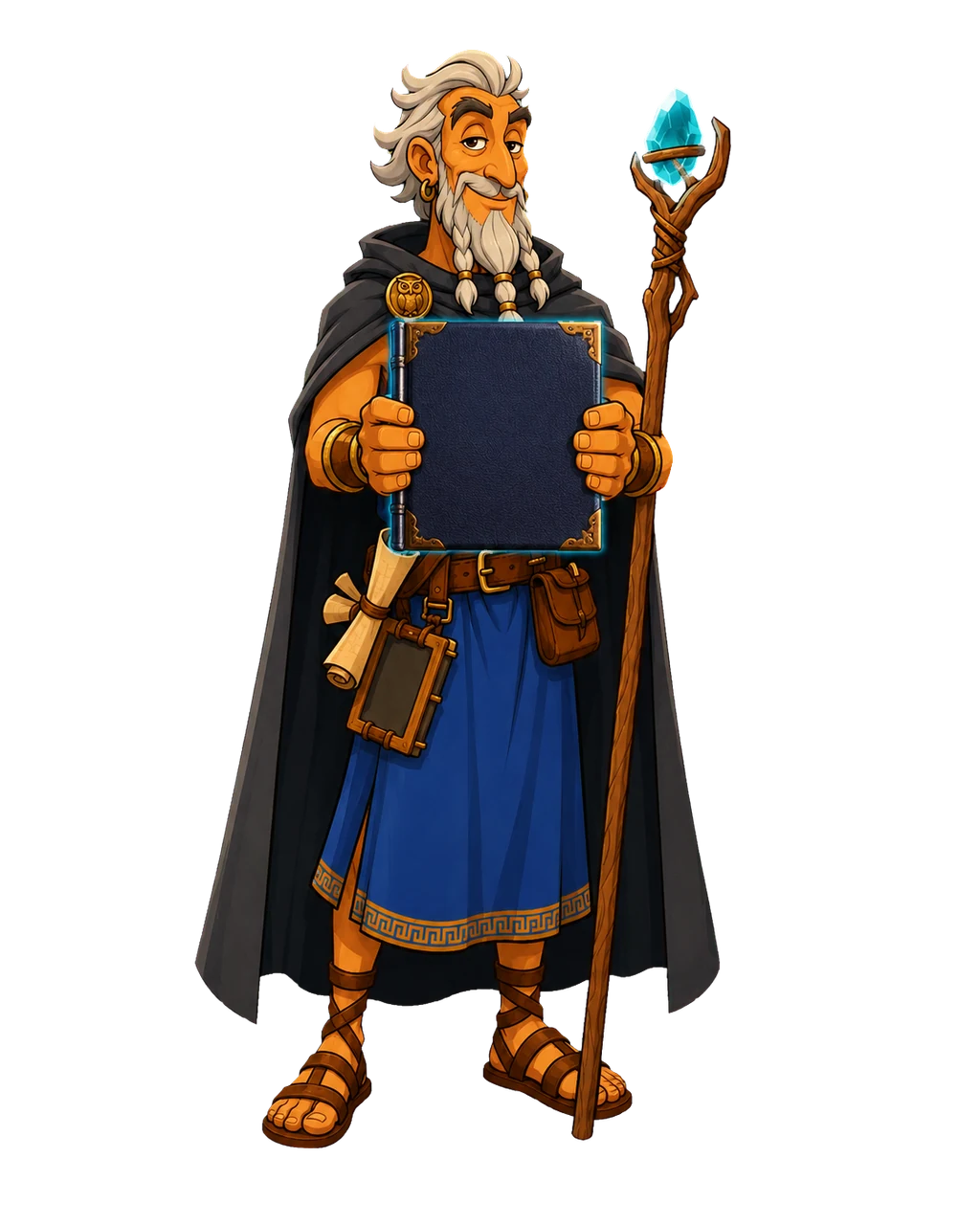
The book in his hands is your download. Keep its filename unchanged so ChatGPT can recognize the guide during the next step.

The Wizard of GPT presenting the completed reader guide
The wizard's magical workshop
Your next quest

Take the guide to ChatGPT

Step 1

Create a Project

Open ChatGPT, create a Project, and add the downloaded Reader Cheater workbook to Project Sources.

Step 2

Choose typed High

Start a regular typed chat inside that Project, choose the High reasoning option when available, and paste the builder instructions.

Step 3

Build the Voice Pack

Download the single ZIP ChatGPT creates. Unzip it and add every Markdown file inside to the same Project Sources.

Step 4

Set Voice behavior

Copy the Project instructions below into the Project settings. Then choose Standard Voice and ask your first question normally.

DataMask

Build a Reader Cheater Pack

Turn a book into one indexed workbook for accurate chapter, paragraph, and sentence lookup.

Files stay in this browser · no document uploads
💡

How it works: First create the private workbook here. Then typed ChatGPT converts it into smaller Voice Reference files that you add back to your Project before starting Voice.

  1. Step 1 · This page

    Create the workbook

    Choose the book and download its indexed Reader Pack.

  2. Step 2 · Typed ChatGPT

    Choose High and build

    In a Project chat, use High and paste the builder prompt.

  3. Step 3 · Project Sources

    Re-upload and set modes

    Add every Markdown file to Sources, then save the two-mode Project instructions.

  4. Step 4 · Voice

    Ask your first question

    Select Standard Voice and begin normally. No starter phrase or extra prompt is required.

1. Choose your document

PDF, EPUB, FB2, MOBI or AZW3 · up to 25 MB

Choose a document or ebook

Click here or drop a file · maximum 25 MB

Source-fidelity cleanup: Repeated PDF headers, isolated page numbers, and clear publisher boilerplate are removed. Names, headings, dedications, and narrative text are preserved.
Awaiting payload0 words · ~0 tokens

2–3. Prepare ChatGPT for Voice

Only two items need to be copied

Do this after downloading: Create a Project, add the XLSX to Sources, open a typed chat, and choose High in the model picker. Do not start Voice yet.
Step 4 has nothing to paste: select Standard Voice and ask your first real question. The Project instructions initialize silently.
project_instructions.txt
Step 2 · Paste in typed High mode0 KB